Core Features
Overview Dashboard
Document cards grouped by project with search by title/content, project filter, and favorites-only toggle.
Document Management
Create, edit, and delete documents within projects. Supports folders for organization.
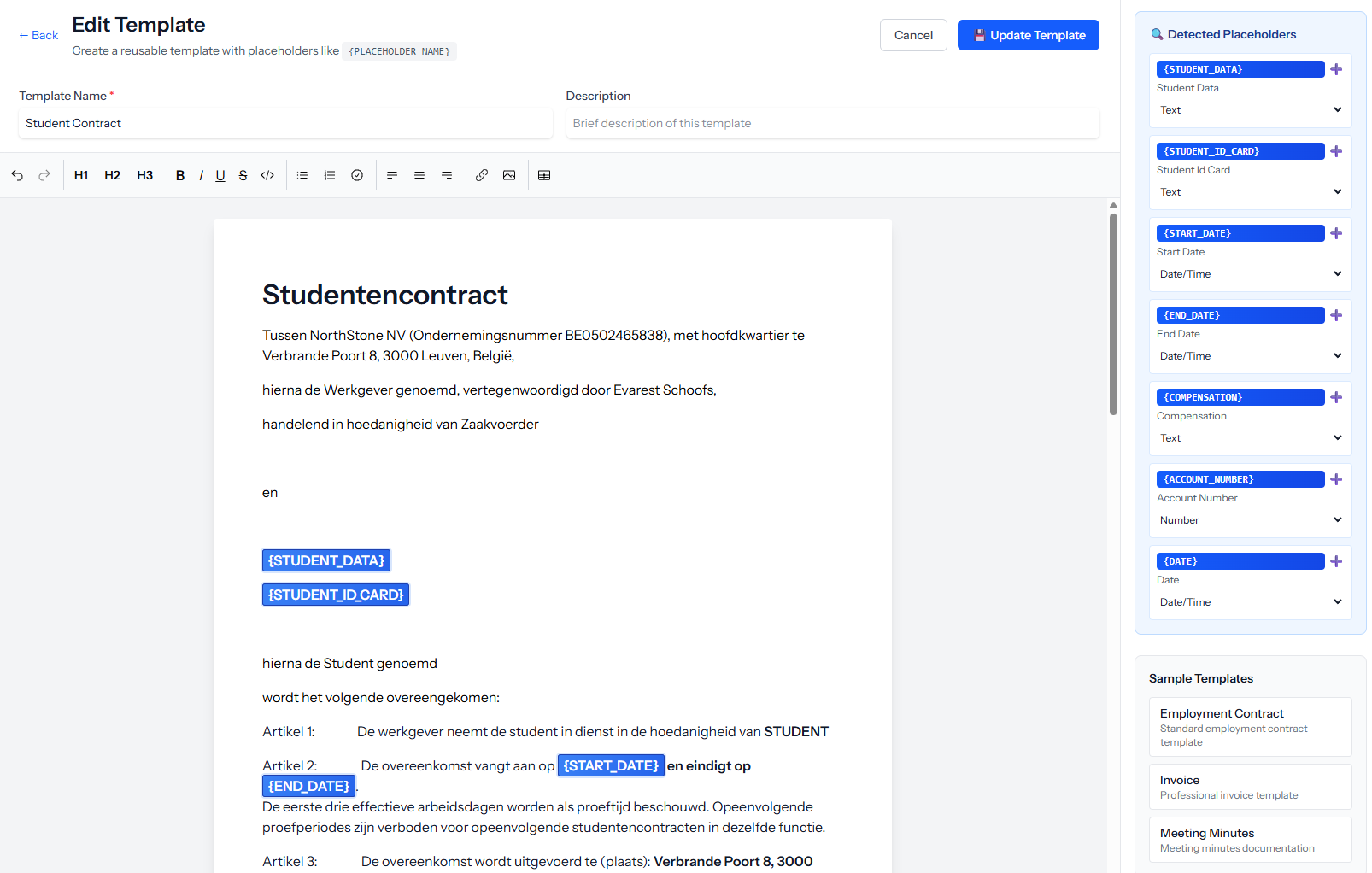
Templates
Create documents from reusable templates with full template CRUD.
Document Headers
Configurable document headers with a set-default option.
Rich Editing
In-app document editor with image upload support.
AI Features
Generate summaries and ask questions about document content using built-in AI assistance.
Collaboration & Sharing
Version Control
View document versions and restore previous versions.
Sharing & Permissions
Per-folder permission management. Publish/unpublish documents.
Password Protection
Set, remove, and unlock password-protected documents.
Public Sharing
Generate a public URL token for external access.
Employee Documents
Separate document space per employee with its own CRUD and access controls.
Google Drive Integration
Add documents from Google Drive.
Export Options
Bulk download, bulk print, and PDF generation.
Security & Compliance
File Encryption
Encrypt sensitive documents at rest to meet data protection requirements.
Retention Policies
Configure automatic retention periods to comply with regulatory obligations and keep your workspace clean.
Audit Trail
Track who accessed, edited, or shared a document and when, providing full visibility for compliance reviews.
Role-Based Access
Ensure only authorized team members can view or edit documents within each project and folder.
Ready to simplify your workflow?
Documents is just one of many tools in the Simplify Suite. See how they all work together.